


Find
Type three letters. There it is.
Titles, addresses, notes and tags, searched as you type.
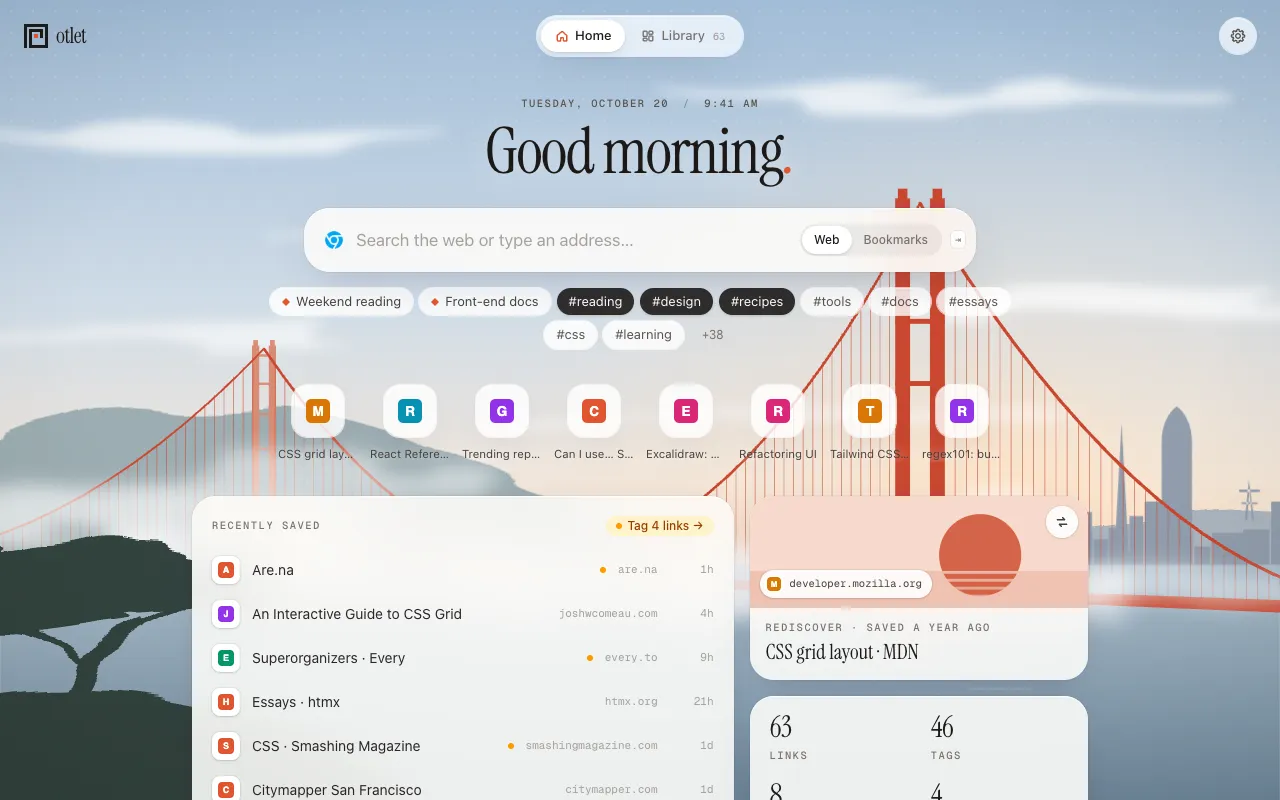
Your bookmarks, on your new tab
Every new tab becomes a search box for everything you've saved.
Free No sign-up needed Chrome, Brave, Edge and Helium
5 links
#tag filter-#tag leave outsite: one site↑↓ ↵ open
Sound familiar?
Which folder was it again?
So it all lands in Other bookmarks.
Until a restart closes them.
Otlet lets you search instead of remembering where.
Find
Titles, addresses, notes and tags, searched as you type.
Organize
One link, as many tags as it needs. Browse by tag, Inbox or list.
Save
⌘⇧S on any page. Tag it, or let it wait in the Inbox.
Search the web too
Your favorite search engine, with your bookmarks right there.
Why switch
How it works
Free. No sign-up needed.
One click. Folders become #tags.
Type. Find. Done.
Free and private
Yes. Everything Otlet does today is free, with no ads.
No. Importing copies them, and Otlet never changes or deletes your browser’s bookmarks. New ones you add with ⌘D or Ctrl+D show up in Otlet’s Inbox too.
In your browser, on your computer. Nothing is copied to a server.
There’s no sync yet. Export your library as a file (Settings → Import & export) and import it on the other computer.
Your browser deletes Otlet’s library with it, so export it first if you want to keep it. Your browser’s own bookmarks aren’t touched.
Chrome, Brave, Edge, Helium and other browsers that install from the Chrome Web Store. Not Firefox or Safari yet.
Yes, that’s where it lives, and it still searches the web. If Chrome asks whether you meant to change your new tab page, keep the change. Some browsers, like Aside, keep new tabs for their own page: there, click Otlet’s toolbar button on a new tab, or turn on “Otlet on every new tab” in Otlet’s settings, to have Otlet open instead.
Yes. Chrome adds it to every new tab page that comes from an extension, and only you can turn it off: right-click it and choose “Hide footer on New Tab page”, or open Customize Chrome and turn off “Show footer on New tab page”.
Yes: HTML exports from Chrome, Firefox, Safari, Pinboard, Raindrop or Pocket, and JSON from Anybox or Pinboard. Duplicates merge.
Your bookmarks (to import them and catch new ones), your most visited sites, and the page you’re on when you save it. History and site access are asked for only if you turn on suggestions or link previews, and in browsers like Aside, which keep new tabs for their own page, access to see which tabs are new, only if you want Otlet there.
Around 1910, Paul Otlet answered people's questions from millions of index cards. Otlet does the same for everything you've saved.
Free. No sign-up needed. Chrome, Brave, Edge and Helium.